Yours truly, writing for iMore:
For this update, Apple reworked some the fundamentals of Siri Shortcuts, taking the Shortcuts app’s powerful actions and offering those capabilities to other apps on the App Store. Plus, they all work fully in Siri, marking another step forward in Apple’s voice strategy.
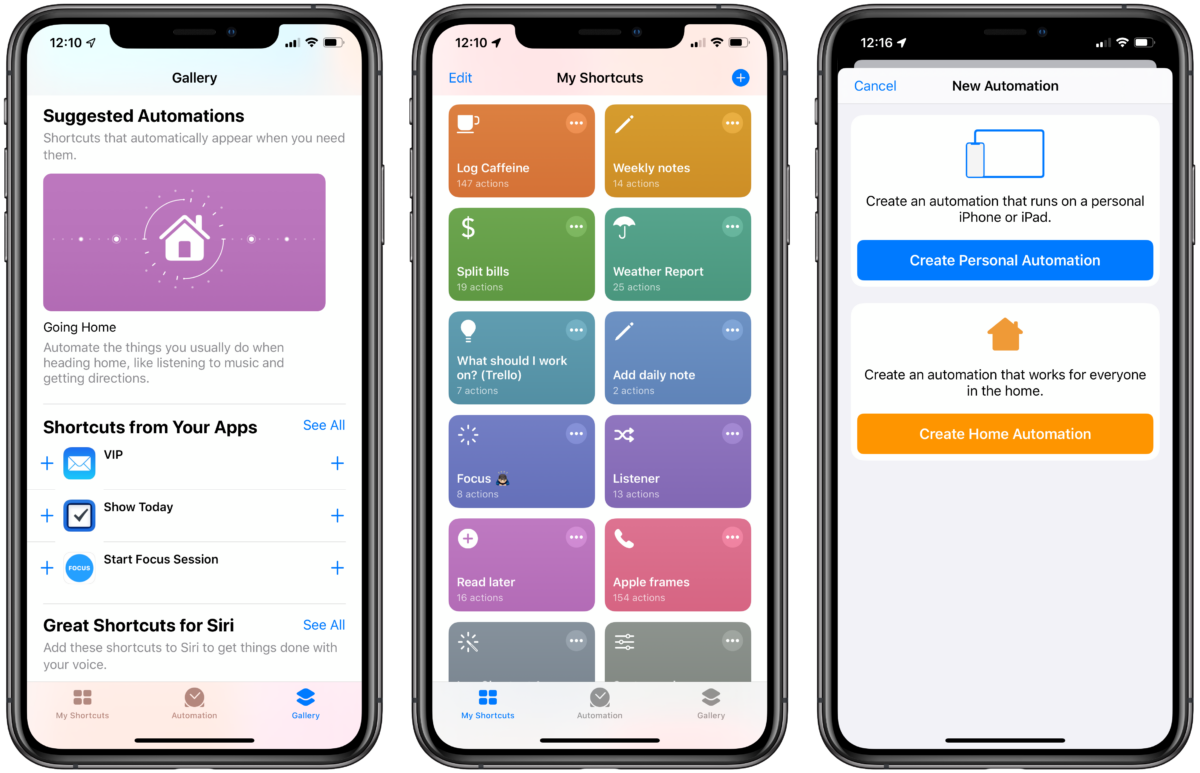
The Shortcuts app has been redesigned, making it easier to understand and get started with, there’s powerful new Automation capabilities that let you run your Siri Shortcuts based on a series of triggers, and the Gallery now has new automatic recommendations based on your personal usage.
With about 2,500 words and 24 screenshots, I covered everything that’s new in the betas so far. I’ll be revisiting each topic over time, but this is the best way to get all the news in one place.