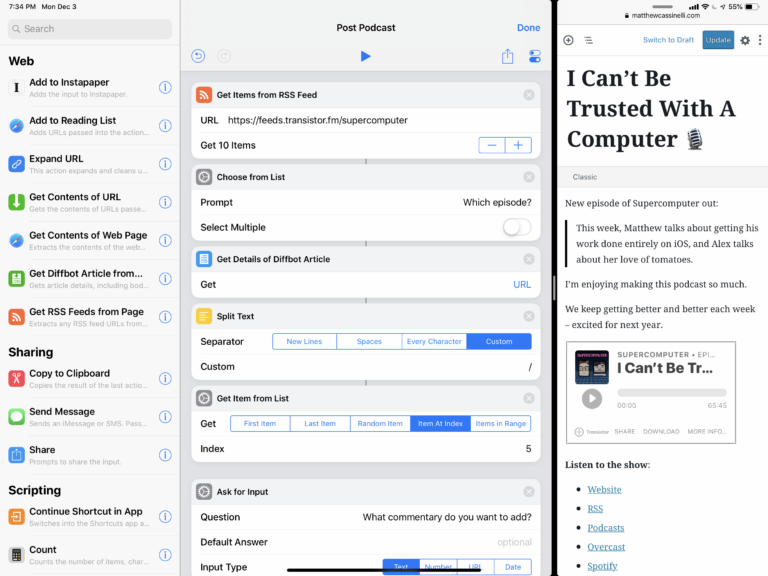
Stu Maschowitz of Prolost has put a fantastic piece out on the Shortcuts app:
“To me, whether Jobs intended it this way or not, the “bicycle for the mind” is the tool that empowers you to repurpose it for your specific needs, not just to consume things with it, or use it in the same way as everyone else.”
Later in the piece (emphasis mine):
“Job’s bicycle analogy was all about efficiency of locomotion. Without a bicycle, we’re highly inefficient animals at just getting around, but we can build tools, like bicycles, which put us at the top of the list.
But I also take from it that riding a bicycle is good for you. It makes you stronger. Buying a tool and using it is like driving a car — you’ll get to your destination, and efficiently, but you’ve done nothing to better yourself. Every day that car will take you exactly the same distance.
But each day you ride a bicycle, your legs get stronger. You get where you’re going, sure, but maybe more importantly, the more you ride, the farther you can go.
This is the way I look at the Jobs bicycle analogy: When you build your own tools, you make your mind stronger, and able to go farther the next day.
As I use Shortcuts more and more, I feel myself somewhere between driving a car made of apps built by other people and riding a bicycle of my own creation. I’m creating genuinely useful tools, and I’m pushing myself farther each day I ride[…]”
Stu’s piece is one of the best I’ve seen about the current state of Shortcuts, what it means to learn and use them regularly, and he also provides some really handy examples.
I highly suggest everyone train their Shortcuts muscles today, because you never know how it’ll help you out tomorrow being that much stronger at it.
Definitely check out the full piece (16 minutes) and get the shortcuts from his site too.