8 ways to get help from Apple Support using Shortcuts

Yours truly for iMore:

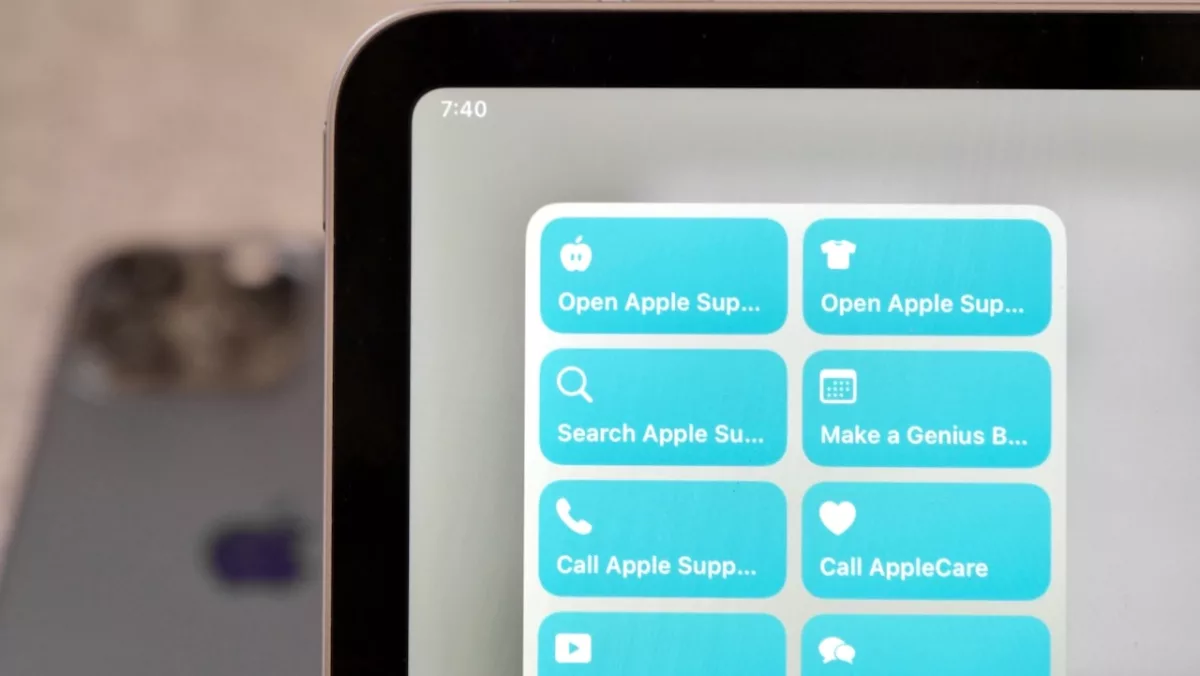
Apple’s Support resources are incredibly helpful when you’re running into issues, need to repair a device, or for learning more about how to use your devices.

With an entire Knowledge Base online, the Apple Support app, and their social media pages, there’s a lot of ways to access help pages, get direct support, and browse more to learn on your own — so here’s a set of shortcuts to help you do just that.

Read the full story on iMore.

Posts You Might Like

Mona 6 Moves from High Visual Customization to Advanced Automation »
Mona, a highly-customizable Mastodon client, has added extensive Shortcuts support, including the ability to schedule posts – check out the story from Jonathan Reed on MacStories.
No Name Photo Show: #57 – Taking Shortcuts with Photography
My friend Brian Matiash was kind enough to have me on his photography podcast—the No Name Photo Show—to talk Siri Shortcuts.
Look ahead at your day with “Agenda”
Learn how to build your own Siri-based Shortcuts – starting with a look ahead at your schedule for the day.
Apple is Hiring a Home Screen UI Engineer
Apple's job listing for the role of Home Screen UI Engineer provides an interesting look at how they view the experience – and where it might be going.