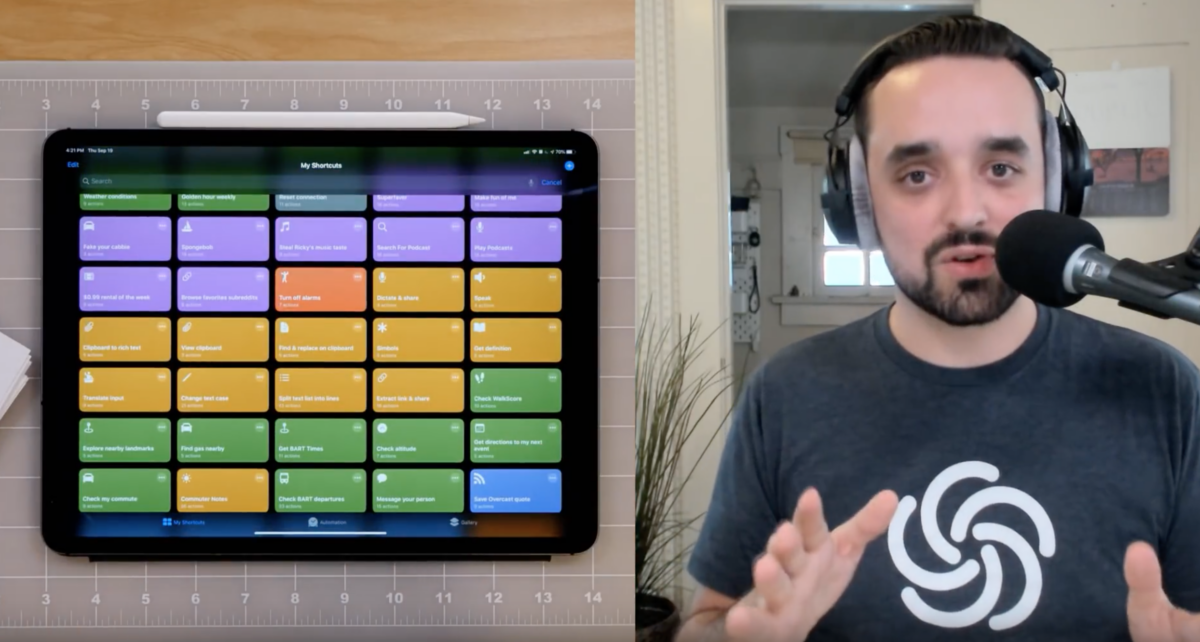
Covering the Siri Shortcuts update for iOS 13 live on YouTube

After bugs plagued my main video, I took to a livestream to share about the updates for Siri Shortcuts in iOS 13. Make some popcorn, tune in, and learn what’s new.

On Thursday, a few hours after the release of my Shortcuts Library, I covered the entire iOS 13 update for Siri Shortcuts in a YouTube livestream.

After a bug in the macOS Catalina beta last week prevented Final Cut Pro from staying open at all, the work on my in-progress video was frozen1. I couldn’t re-do it in time while I was also publishing over 150 shortcuts for people to use.

So I did it live:

While it did take a little over an hour, I had been researching the information all summer and plowed through almost every detail of what’s new in the Shortcuts app and running shortcuts from Siri in iOS 13 and iPadOS.

I’m adding timestamp links in the description for each section, so you can watch along when you have time or skip to just the parts you’re interested in – I’ll update this post when I’m finished, but I still want to share the whole stream for now.

I had a lot of fun2, so I thank you for your time if you watch along and I hope you learn something useful. These updates are very cool and it’s exciting that everyone on iOS has Shortcuts installed by default, because there’s lots of potential to take advantage of.

Watch the full stream here.


  1. Yes, I know, I’m a fool for putting a beta on my production machine. But hey, it worked out in the end. 
  2. I made plenty of mistakes like my camera dying—I had a battery ready!—and waving the cards in front of the overhead shot, but at least OBS didn’t crash! 

Posts You Might Like

Apple adds Shortcuts for Mac support to Pages, Numbers, Keynote
Here are 7 ways to get started with Shortcuts for Apple Watch
Media, HomeKit, Notes, and more — my story for iMore shows you the best areas to focus on when trying to get things done on your wrist.
How to Enable iPhone Orientation Lock for Specific Apps »
The folks at MacObserver have put together a guide for how to set up App automations that control Orientation Lock – check it out.
Bear 2 launches with new Export Note and Backup actions for Shortcuts on Mac
Bear 2 has launched with a host of new features – and two new Shortcuts actions for Mac users.