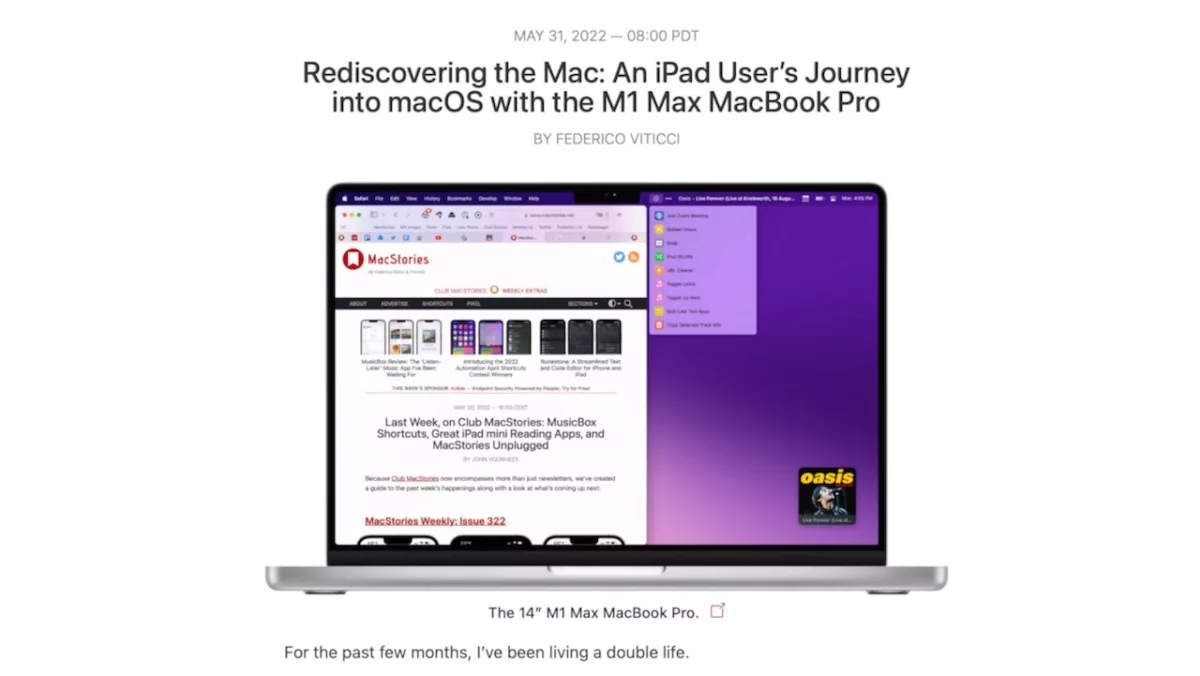
Federico’s annual pre-WWDC piece is out and you should read all 8,000 or so words of it, particularly this section about Shortcuts:
While the Shortcuts app shouldn’t have been released in those precarious conditions last year (it should have been labeled a beta), my usage of the app has increased alongside Apple’s work on improving its performance and stability;
[…]
[T]oday, I consider Shortcuts for Mac an essential tool in my workflow and, in some ways, the most important change Apple could have brought to allow people like me to try macOS again.
I agree with the overall conclusion of the piece, but this summary of Shortcuts on iPad vs. the Mac struck a chord with me as well:
From this perspective, is it really surprising that someone like me – a committed Shortcuts user – saw the work being done in the Mac app and realized the iPad version, in its current state, just wasn’t doing enough? At the moment, there are no advantages to using Shortcuts on the iPad if you’re a power user: it’s mostly just drawbacks.
While I do think that widgets, custom Home Screens, and Focus Modes give the Shortcuts experience on iPad an advantage for presenting shortcuts at any time, I otherwise fully agree with Federico here.
Things like running multiple shortcuts at once using keyboard shortcuts, setting up all my shortcuts on the Stream Deck, and the kind of power user apps available on the Mac are pushing the Shortcuts ecosystem much further in just one year than iPad saw in multiple years of development — beyond everything else Federico lists:
Shortcuts for Mac lets you run shortcuts as services and quick actions; there’s a menu bar app and global hotkeys; there’s a vibrant ecosystem of third-party apps that can run shortcuts directly thanks to the shell and API; there are advanced multitasking, scripting, and Finder actions that are not supported on iPad; you can open multiple editor windows and place them on an external display.