Here are 7 ways to get started with Shortcuts for Apple Watch

Media, HomeKit, Notes, and more — my story for iMore shows you the best areas to focus on when trying to get things done on your wrist.

Yours truly for iMore:

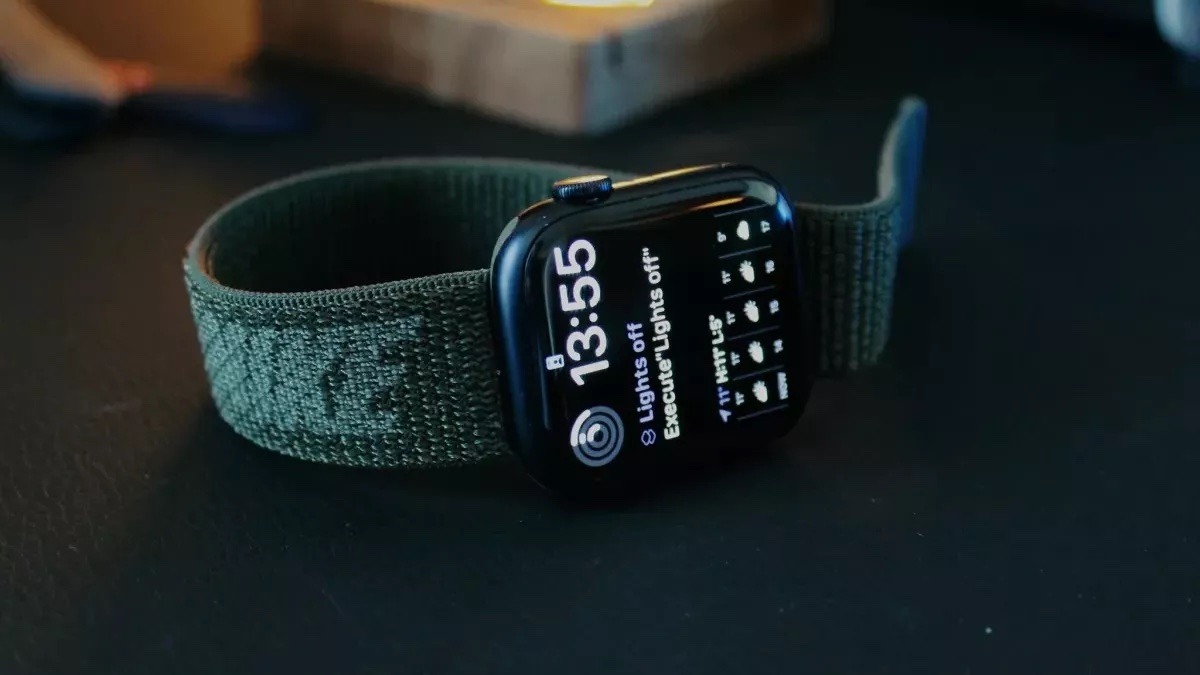
The Shortcuts app for Apple Watch is a small but powerful way to access the vast array of capabilities from the apps on your device, all from the convenience of a few taps on your wrist.

Some of the ways Shortcuts on Apple Watch can be most useful, however, are not immediately obvious — there’s a lot of potential in Shortcuts, but honing in on the best use cases and avoiding too much complexity is important for a good Watch-based experience.

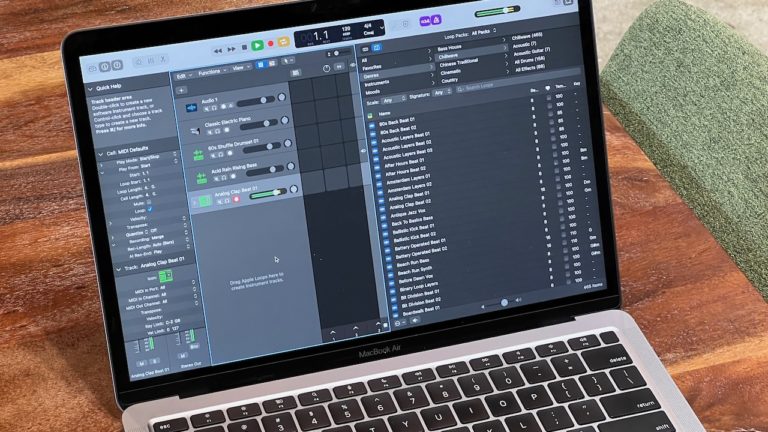
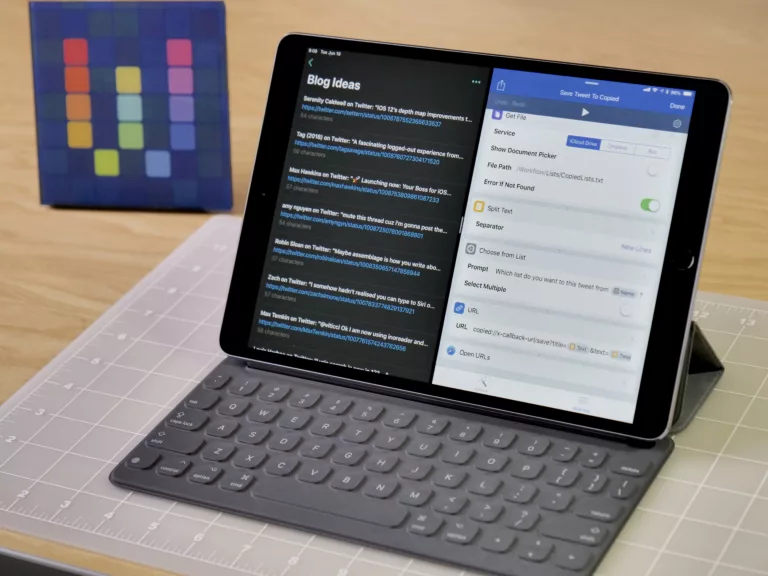
This piece covers seven areas where you can build Shortcuts for Apple Watch that are worth exploring, have powerful actions to take advantage of, and work well when running from your favorite Apple Watch:
Read the full story on iMore.

Posts You Might Like

What’s New in Shortcuts for iOS 26 »
Apple has shared their release notes for Shortcuts across the iOS 26 platforms – including new & updated actions, updates to the Shortcuts Editor, plus Mac improvements like Spotlight, Automations, and Control Center.
Why the Menu Bar is the best way to get started with Shortcuts for Mac
Shortcuts for Mac lets you run shortcuts from the Menu Bar. Here's how to set it up, optimize your shortcuts, and add advanced interactivity for your macOS experience.
New in the Shortcuts Library: Threads shortcuts
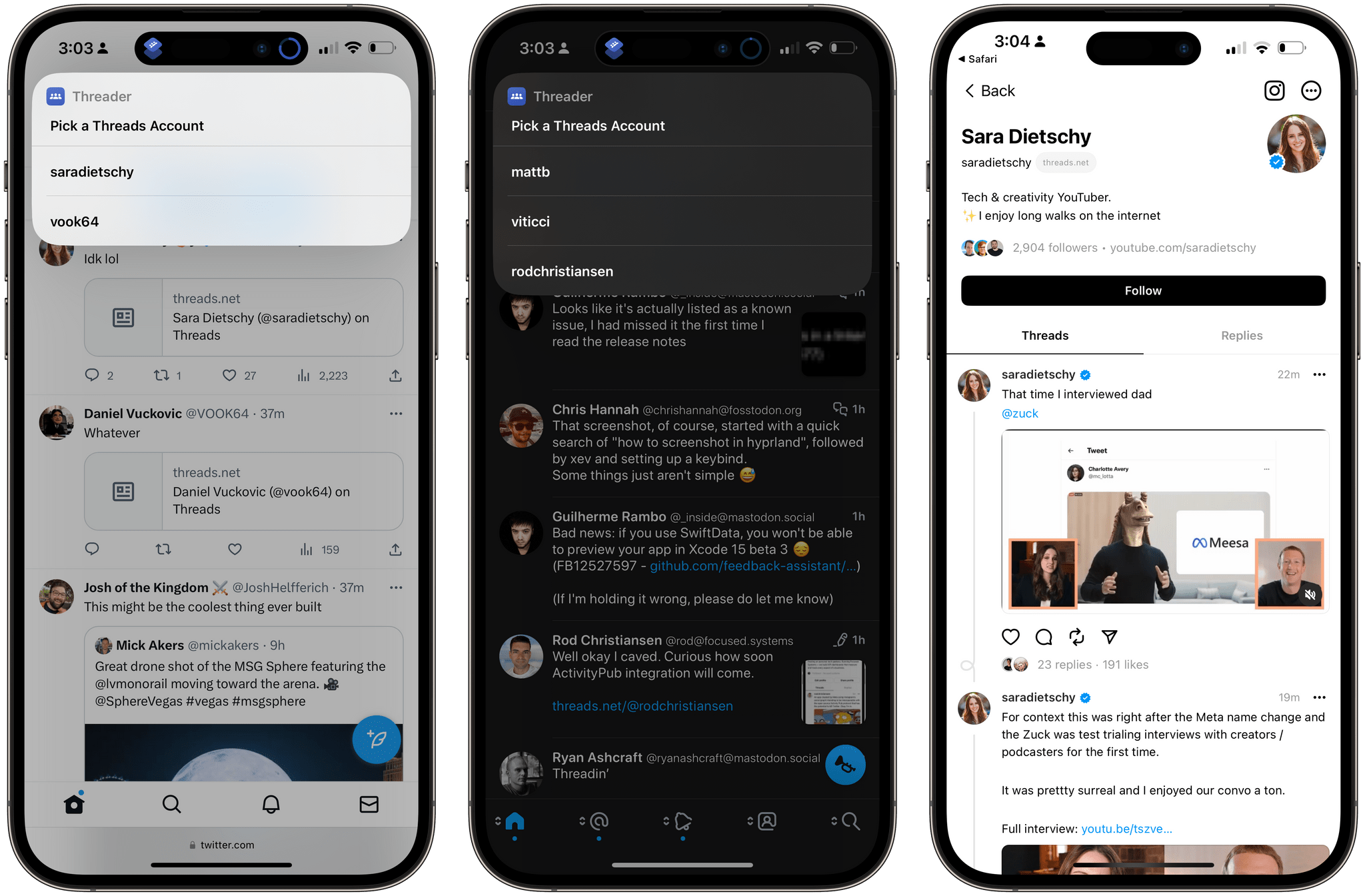
Threads by Instagram just released, and that means I'm building shortcuts – there's much to work off, even right at the start.
How to delete unplanned screenshots with Shortcuts
Do you find yourself taking tons of accidental screenshots on iPhone X or your Apple Watch? Of course there’s a shortcut for that!