Yours truly for iMore:
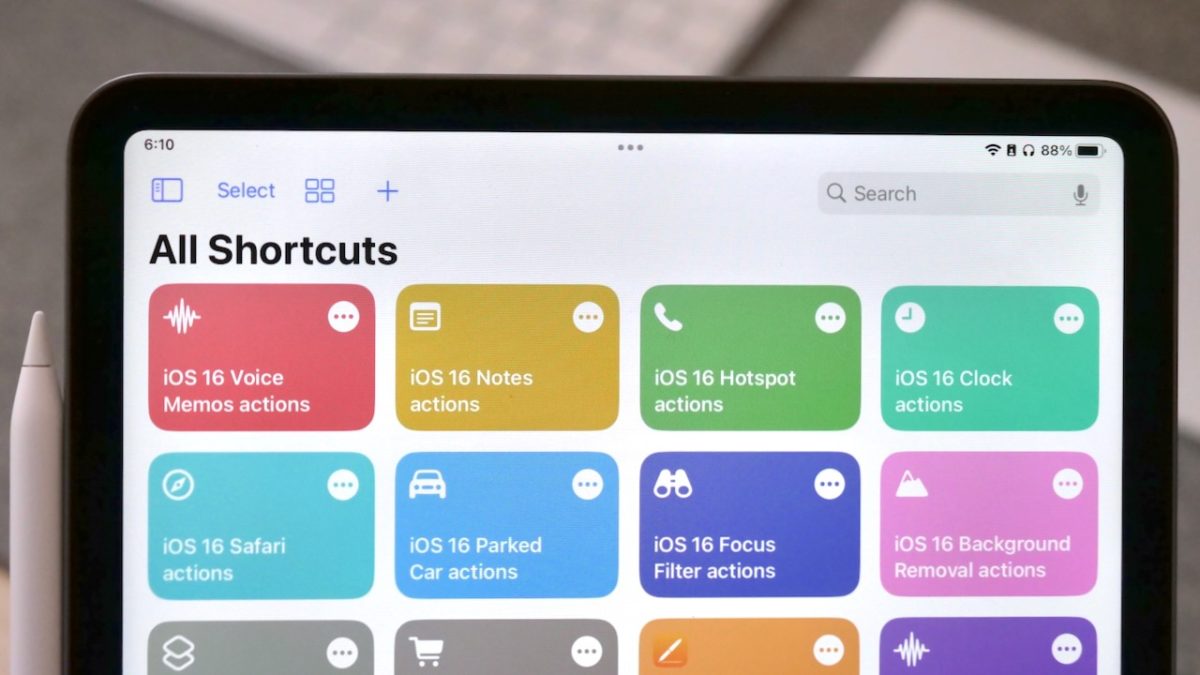
If you’re installing the public beta, developer beta, or just curious about the new features for Shortcuts coming to iOS 16, you’ll be glad to know that Apple added 46 new actions that add deeper access and advanced functionality to the Shortcuts ecosystem.
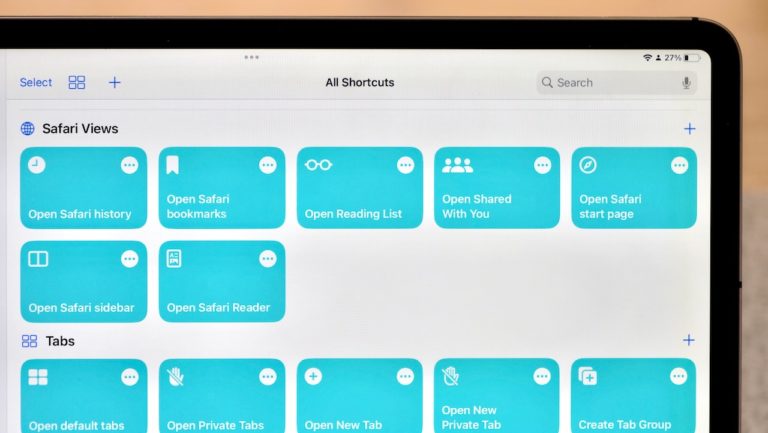
The main set of actions for Shortcuts focuses on Notes, Voice Memos, and Safari, plus Shortcuts itself. Additionally, Apple added new actions for Clock, Files, and Parked Cars, plus more for features like Focus Filters, Background Removal, and Personal Hotspot, and PDFs.
Here’s the full list of what’s new (so far) in the public betas:
As a follow to my post covering the full set of actions coming in iOS 16, I wrote about the current set in the public betas — actions for Books, Mail, and Reminders aren’t working, so I’ll be publishing a follow-up on iMore when they become available in future betas.
Also of note — almost none of these work on the Mac either (yet?).