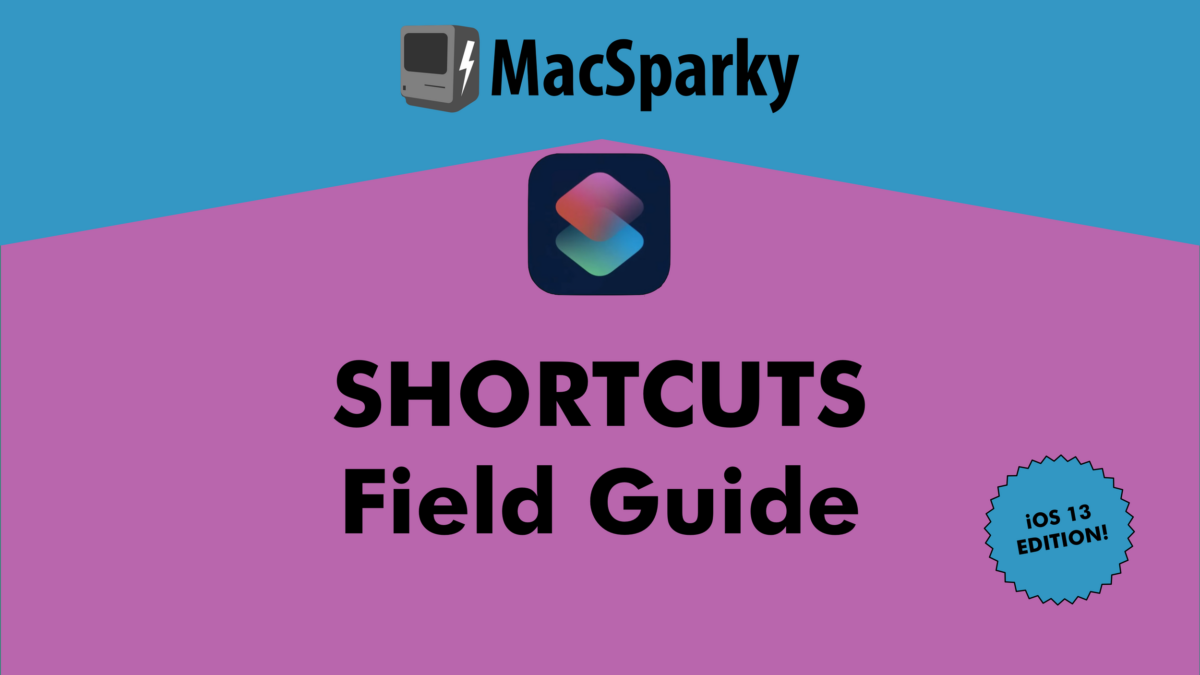

David Sparks has completely redone his Siri Shortcuts Field Guide1 for iOS 13:
The new Shortcuts Field guide was shot entirely new with the new Shortcuts for iOS 13. Apple changed a lot and it is all covered in this field guide:
- Over 6 hours of downloadable video tutorials
- New materials for both beginners and advanced users
- New Downloadable Shortcuts
- So much Automation
I’ve been watching these videos as I work this week and I’m very glad David has made an update including the new redesign of Shortcuts.
Anyone looking through an exact, step-by-step walkthrough of Siri Shortcuts should buy this course – I won’t be creating my own at this level of detail, since David already has.
If you watch any of my YouTube videos and wish I had a training course, I highly recommend buying David’s instead.
The 107 screencasts in the Siri Shortcuts Field Guide cost $29 total – buy it at Learn MacSparky or read more about the launch on MacSparky.com (where he includes a discount code for launch.
- Disclosure: David was kind enough to make me an affiliate for his courses last year, which means I receive a small portion of each sale made after clicking on my affiliate links above. That being said, I’ve been reading MacSparky Field Guides for years and would absolutely recommend this course even if he wasn’t so generous to include me in the affiliate program. ↩