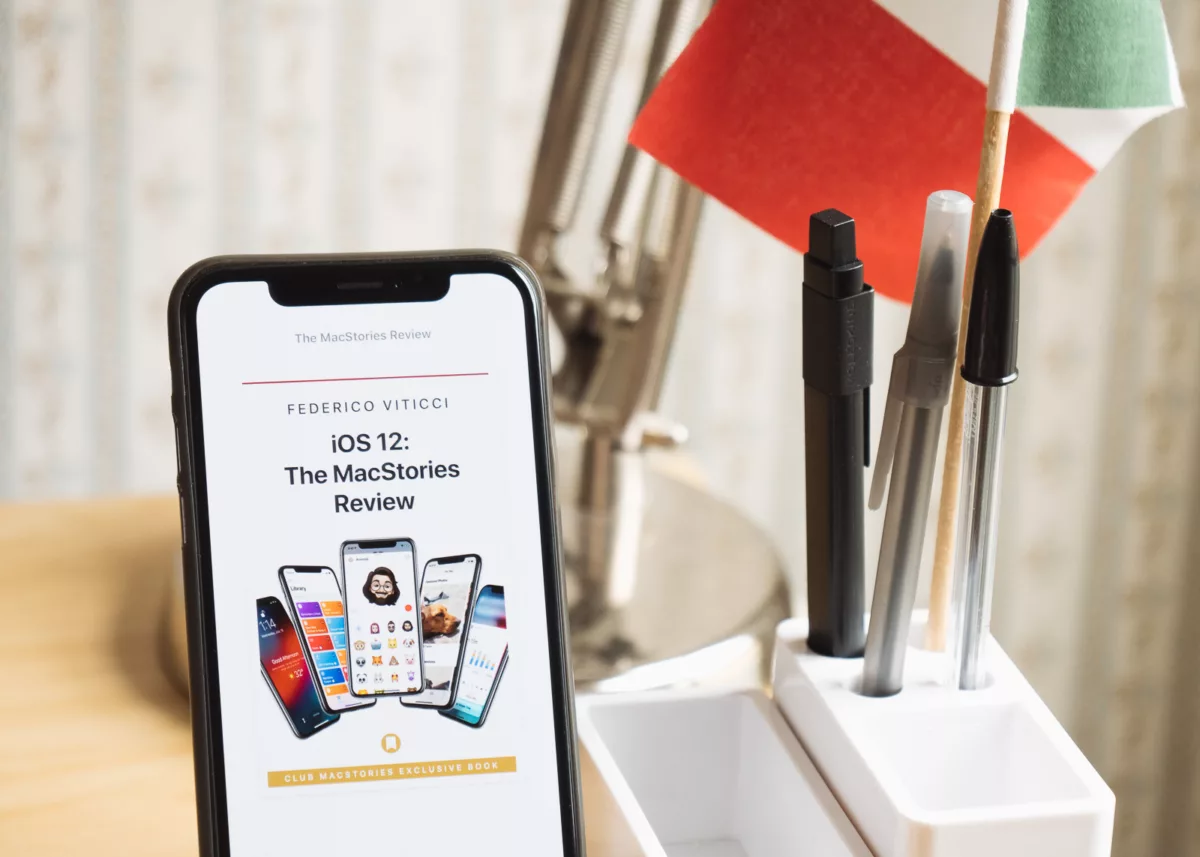
Every year, it’s a staple in the Apple community to read Federico Viticci’s in-depth review of the latest version of iOS.
Federico has been running MacStories for years and always spends the summer drafting massive, book-length guides to the new changes that come to Apple’s iPhone and iPad software, quickly becoming the go-to place to pay attention when the new release drops.
This time, it’s very much the same, with Viticci publishing his entire review with 16 individual sections as pages (and 1 page for credits). Here’s the subhead introduction:
After years of unabated visual and functional changes, iOS 12 is Apple’s opportunity to regroup and reassess the foundation before the next big step – with one notable exception.
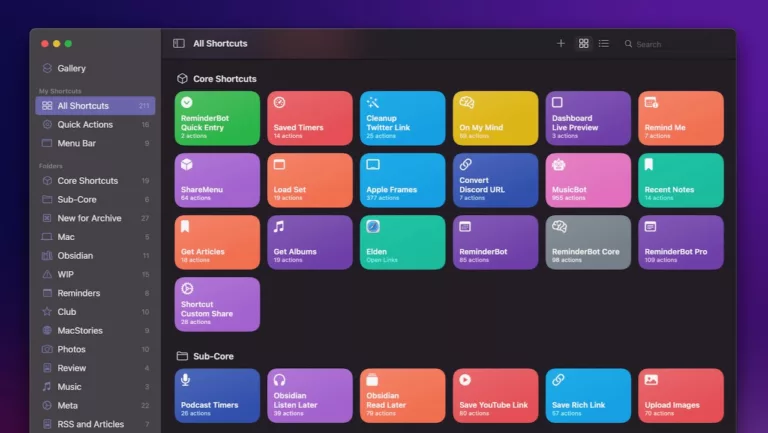
The review is also available as an eBook and audiobook for members of Club MacStories, their membership program that provides great newsletters with tons of Shortcuts ideas, links, and interviews. Members get the book free and the audiobook at 60% off, so now is better than ever to subscribe.
Now that Shortcuts is out I’m sure you won’t want to miss Federico’s work, so definitely consider joining if you have the means.
One of the major sections to look at is his coverage of Shortcuts, because he’s the OG in the space – I originally learned about Workflow because of Federico and his coverage is what brought me to work for the app, so at a certain point we all owe him for bringing a spotlight to this awesome technology.
His evangelism for the potential got all of us who knew about it excited and I’m sure influenced Apple’s decision to purchase our company, so, everyone go thank Federico!
Now excuse me while I keep reading because there’s no way I’ve read it at all just – will have to switch back and forth with Myke’s lovely voice filling my ears too as I do my own prep for the big day.