All 25 of the Mac-Only Actions Coming to Shortcuts for Mac ?

In macOS Monterey, Apple has added 5 sets of actions to the Shortcuts app that are Mac-only – these aren’t available for iPad or iPhone users as they require specific features/apps (see my piece about the cross-platform actions).

Mac users can now easily automate their window management, interact with Finder, make disk images, perform actions taken from Automator, and take advantage of deeper Mac automation – plus there’s two actions not yet found in the betas.

In macOS Monterey, Apple has added 5 sets of actions to the Shortcuts app that are Mac-only – these aren’t available for iPad or iPhone users as they require specific features/apps.

Mac users can now easily automate their window management, interact with Finder, make disk images, perform actions taken from Automator, and take advantage of deeper Mac automation – plus there’s two actions not yet found in the betas.

In this 4,800-word piece (about 20 minutes average reading time), I’ll explain each of them in detail, plus give you my initial thoughts on what bringing this functionality to macOS means for the transition to Shortcuts as Apple’s main automation platform.

Become a member to get access to the post, plus:

  • New shortcuts on an ongoing basis
  • Extra ways to browse the catalog when you’re signed in
  • Prerelease notes & workflows I’m putting together
  • Exclusive livestreams teaching you more about Shortcuts
Posts You Might Like

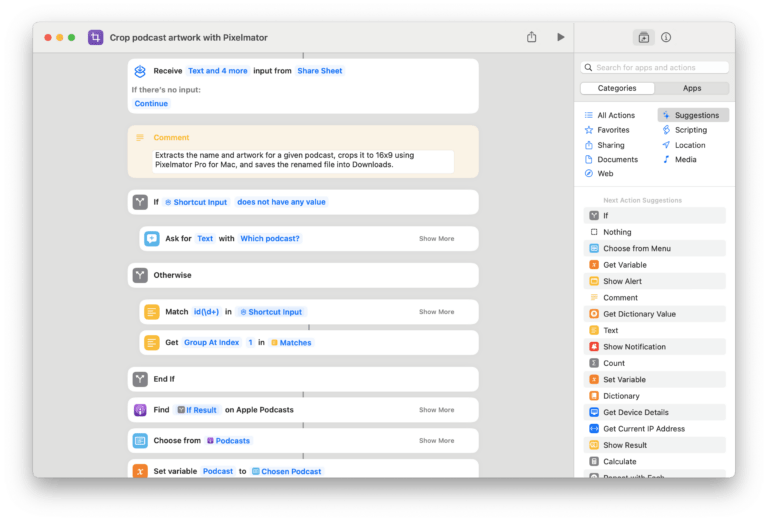
New shortcut: Crop Podcast Artwork with Pixelmator
Built for linking to podcasts mentioning my work, this shortcut uses Apple Podcasts and Pixelmator Pro for Mac to perform a ML crop on the show artwork to generate a 16x9 image for a blog post.
New shortcuts for the Shortcuts app
While using the Shortcuts app, it's actually helpful to have a few shortcuts to manage the experience itself – this is that folder.
Updated in the Shortcuts Library: Apple Music shortcuts
If you're subscribed to Apple Music, this set of shortcuts gives you full access to your For You playlists, Apple Music radio, and curator pages.
No Name Photo Show: #57 – Taking Shortcuts with Photography
My friend Brian Matiash was kind enough to have me on his photography podcast—the No Name Photo Show—to talk Siri Shortcuts.